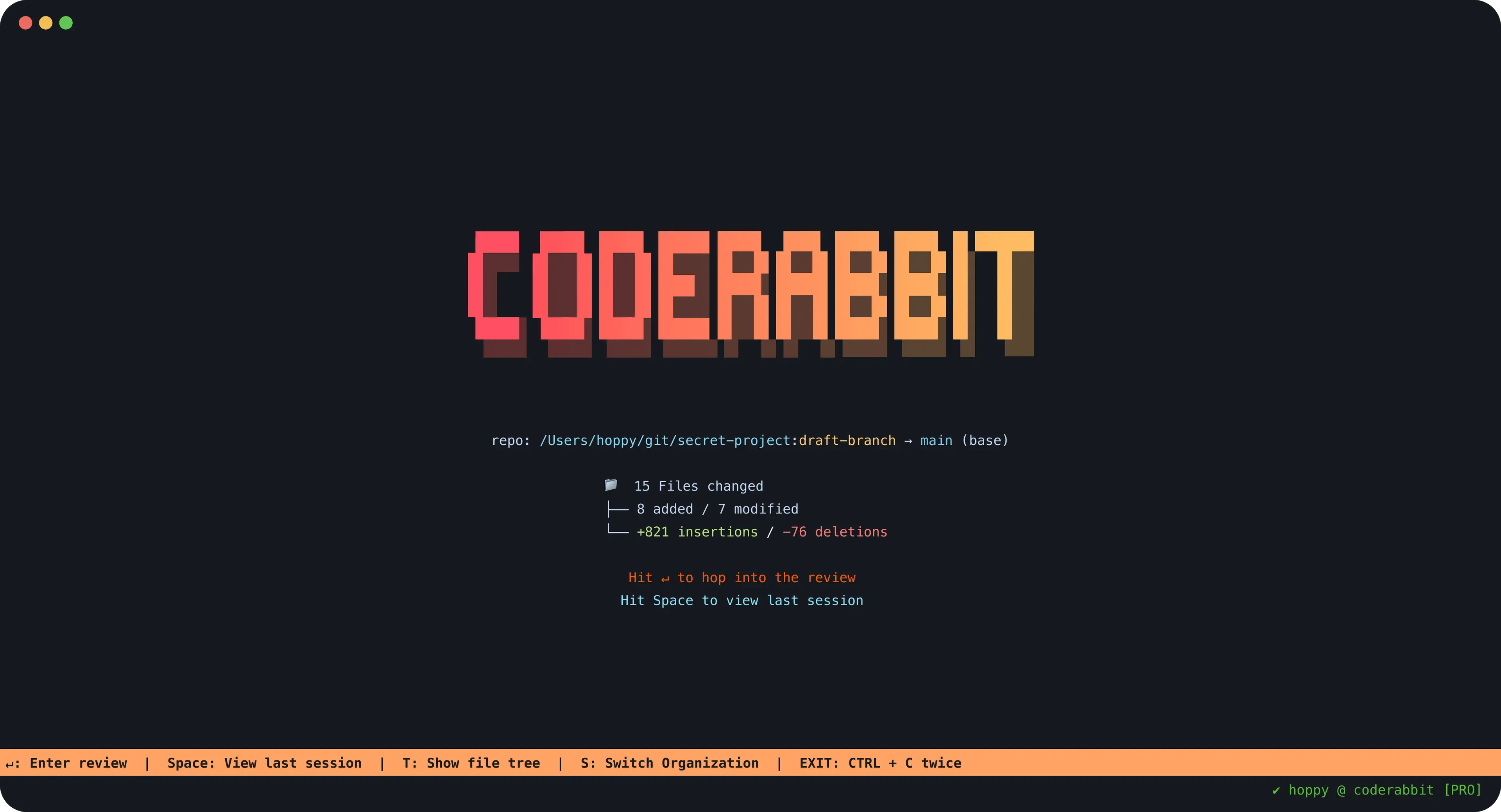
For years, CodeRabbit has been a trusted tool for AI-assisted code review on GitHub. By integrating with your repository, it reviews Pull Requests (PRs), flags issues, and helps teams maintain high-quality code.
But now, thanks to the new CodeRabbit CLI, you can bring those same reviews directly to your local development workflow—before your code even reaches GitHub.
Table of Contents
- 🚀 From PRs to Local Development
- ⚡ Running CodeRabbit Locally
- 🤖 Using CodeRabbit + Claude Code: Deep Integration & Workflow
- 🔒 Automating Reviews With Pre-Commit Hooks
- Final Thoughts
🚀 From PRs to Local Development
Traditionally, CodeRabbit has lived inside GitHub PRs. That’s great for team collaboration, but sometimes you want fast feedback before raising a PR. With the CLI, you can:
- Run CodeRabbit locally in your terminal
- Review changes as part of your pre-commit workflow
- Catch mistakes before they leave your laptop
Some advantages of using CodeRabbit CLI vs using GitHub agent for PRs:
- Review in your flow: CodeRabbit CLI sits in your terminal, so you can code, review, and commit without leaving your dev environment.
- Catch “AI slop” & common mistakes: It flags hallucinations (erroneous AI-generated code), logic errors, memory leaks, security vulnerabilities, code smells, or missing unit tests.
- Context-aware reviews: The CLI’s reviewer is aware of file dependencies and code context, not just superficial patterns.
- One-step fixes: For simpler issues (e.g. import errors, syntax fixes), you can apply fixes with a click or command directly from the review.
- Supports AI agents & workflow tools: It’s built to integrate with agents like Claude Code, Cursor CLI, Gemini, etc. You can combine CodeRabbit feedback with AI-driven editing loops.
- Free tier with rate limits: You can use CLI reviews at no cost (under usage limits), making it accessible for individual devs.
- Early detection of serious issues: The CLI helps you catch race conditions, memory leaks, security flaws before committing.
These features make CodeRabbit CLI an excellent tool to elevate your “local-first” dev workflow.
Check https://docs.coderabbit.ai/cli/overview for more info about CodeRabbit CLI
⚡ Running CodeRabbit Locally
To check your staged changes:
git add -A
coderabbit review --plain --type uncommitted
git reset
To review the last commit:
coderabbit review --plain --type committed --base-commit HEAD~1
To review any earlier commit:
# Compare commit abc123 to its parent
coderabbit review --plain --type committed --base-commit abc123CodeRabbit only analyzes diffs, not your entire project.
- On GitHub → it reviews PR changes.
- On the CLI → it reviews staged changes or commits.
This makes it perfect for incremental feedback loops, but not for “audit my whole repo.”
🤖 Using CodeRabbit + Claude Code: Deep Integration & Workflow
If you’re using Claude Code, the integration with CodeRabbit CLI unlocks a truly autonomous coding loop — not just writing code, but also reviewing and fixing it as part of the same session.
What the Integration Enables
According to the CodeRabbit docs:
- Implement + review seamlessly: Claude can generate or edit code. You then stage those changes (
git add -A) so CodeRabbit can review the diff. Claude can immediately apply fixes based on CodeRabbit’s feedback. - Use
--prompt-onlymode: Outputs problem statements optimized for AI agents to parse (file, line, severity, suggestion). - Create autonomous workflows: Claude could generate, review, and refactor in a continuous loop.
- Context-aware review data: CodeRabbit provides rich context that Claude can use to make targeted fixes.
Example Workflow
- Authenticate inside Claude
coderabbit auth login - Write code (Claude or you)
For example, add a new REST API endpoint in your WordPress plugin. - Stage changes
git add -A - Run a review in Claude
coderabbit review --plain --type uncommittedOr (optimized for Claude parsing):coderabbit review --prompt-only --type uncommitted - Review feedback appears
CodeRabbit flags issues (sanitization, error handling, logic flaws, etc.). - Ask Claude to fix issues
Apply the fixes suggested by CodeRabbit. - Re-run the review until clean
coderabbit review --plain --type uncommitted - Unstage if you prefer a clean index (
git reset) or commit your changes
This creates a closed development loop:
- 🧑💻 Human/Claude → writes or updates code
- 🐇 CodeRabbit → reviews staged changes
- 🔧 Claude → applies improvements
- 🔄 Repeat until clean
At the end, you’ve got a high-quality commit ready to push — no surprises in your PR.
👉 In short: Claude writes, CodeRabbit reviews, Claude fixes. It’s like having a senior reviewer sitting beside you, but running instantly on your machine.
Best Practices
- If fixes don’t apply automatically, explicitly prompt Claude to use CodeRabbit’s feedback.
- Use
--prompt-onlyfor Claude so reviews are concise and AI-friendly.
- Let long reviews run asynchronously in Claude Code.
- Always authenticate (
coderabbit auth login) before first use inside Claude.
🔒 Automating Reviews With Pre-Commit Hooks
Want to make sure every commit is checked before it lands in Git? You can integrate CodeRabbit into your pre-commit workflow with Husky:
npx husky add .husky/pre-commit "coderabbit review --plain --type uncommitted"
chmod +x .husky/pre-commit
Now, every commit triggers a review. If CodeRabbit flags issues, the commit is blocked until they’re fixed.
Final Thoughts
CodeRabbit has evolved:
- On GitHub → it reviews PRs.
- On your machine → it reviews staged changes before commits.
Either way, the goal is the same: better code, less friction.
If you’re building WordPress plugins, themes, or enterprise projects, adding the CodeRabbit CLI to your workflow is an easy win.
Leave a Reply